Search visibilityNovember 24, 20262 min
Google clarifies its policy on back button hijacking
Daillac research
November 23 Search documentation updateD
Written by
Daillac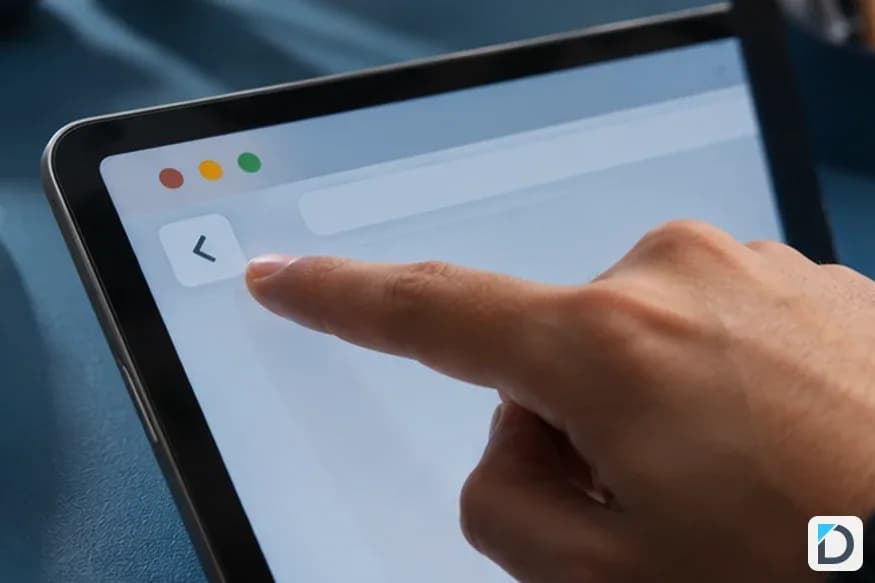
On November 23, 2026, Google Search Central added a FAQ about back button hijacking. The policy applies to the browser’s back button regardless of where the visitor came from. It covers manipulations that stop the visitor from going back to the previous page. Back navigation inside a third-party app falls outside this scope.
Run the test from a search result
Open a page from a search result. Dismiss a modal, apply a filter or begin a form, then use the browser’s Back button. Record each page that appears and how many presses it takes to get back to Search. Repeat on mobile and with the third-party scripts normally enabled on the site. Repeat the same test from a link on another site. Use the exercise as a technical SEO check after a redesign.
Check how the browser retraces the visit
A filter might change the address so customers can share their selection. Check that Back moves through the screens the visitor actually opened in the order they expect. If a promotion reopens the current page or a form loops back to the same screen, give the team the exact steps and a recording of the sequence. Send the failing sequence to your web development team, including the device and browser used.
TableBrowser checks worth running · shareable block
| Starting point | Expected result | |
|---|---|---|
| Banner or modal | Arrive from Google, then dismiss the modal | Return to the previous page |
| Filter panel | Apply two filters, then use Back | History matches the visible actions |
| Form | Start a request, then use Back | The expected previous screen opens without a loop |
Sources & method
The official announcement was verified. The use cases and checks are editorial examples from Daillac.