Contents
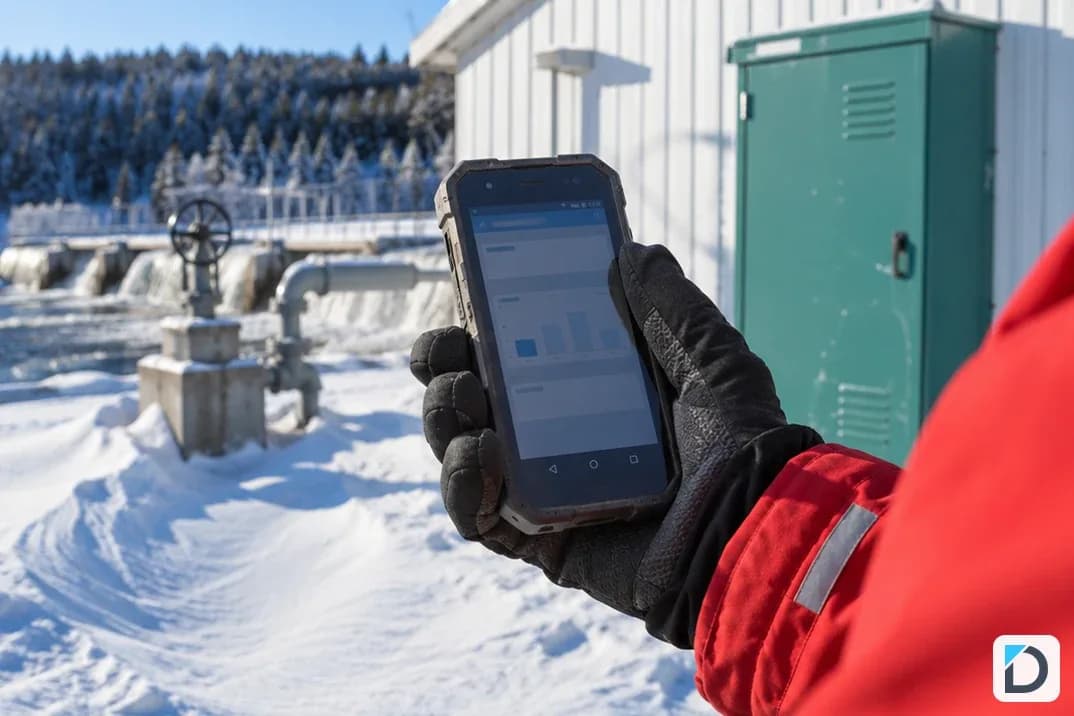
In this example, a technician finishes servicing a pump in the basement of a building on Montréal’s North Shore. They take two photos, add a reading and close the work order. The phone has lost its connection. Meanwhile, a dispatcher changes the job’s priority. Both people need to see what arrived and which edits survived.
Decide what must work without a connection
Before the technician leaves, the device downloads assigned work orders, contact details and the current form. On site it stores the entries and attachments needed for the report. Limit what stays on the device and for how long. Close the app, restart the device and see whether the technician can recover the draft. Test what happens when available storage runs out. Capture these states in your application requirements brief so they can be tested before delivery.
Give technicians a clear upload status
Use separate statuses for a local draft, a pending upload and a report accepted by the server. A large photo can stay queued after the signal returns. Keep a stable identifier for the work order and each attachment so retries do not create extra copies. Surface failures while technicians still have time to act. Keep the upload queue on the device and retry when the app opens. Background sync and local storage persistence vary by browser and device.
TableScenarios to replay before a pilot · shareable block
| What the technician sees | What the office sees | |
|---|---|---|
| The device restarts offline | Saved notes and photos can be recovered | The work order stays open |
| A photo is retried after a dropped connection | The report remains visible in the queue | One copy of the attachment is saved |
| Two people edit the same field | The app shows the conflict | A reviewer chooses the value to keep |
| The device runs out of storage | The technician sees which file failed to save | The report is flagged as incomplete |
Decide who resolves conflicting edits
A dispatcher’s priority change and a field photo can coexist. When two people change the same field, you need a rule or a person who can resolve it. In the first pilot keep both versions for fields that affect job status or billing. Use a real route with a basement or other spot with unreliable coverage. Ask the dispatcher to check the final report and attachments. A custom web application can retain both versions so staff can resolve the conflict after syncing.
Frequently asked questions
Can a web app work offline?+
Yes, within the capabilities of the browser and device. Test local storage and upload behaviour on the devices your team uses.
Should the app download every work order?+
Download assigned jobs and the data needed for the planned work. Fewer local records make security and synchronization easier to manage.
What if the background upload stalls?+
Keep the report queued, show the failure and let the user resume when they reopen the app.
Who should sign off on the pilot?+
A technician and someone at the office should be able to confirm the same work order, its attachments and its final status.
Scope your field service app
Bring a service call where the signal drops. We can use it to scope screens, local data and acceptance scenarios.
D
Written by
Daillac