Contents
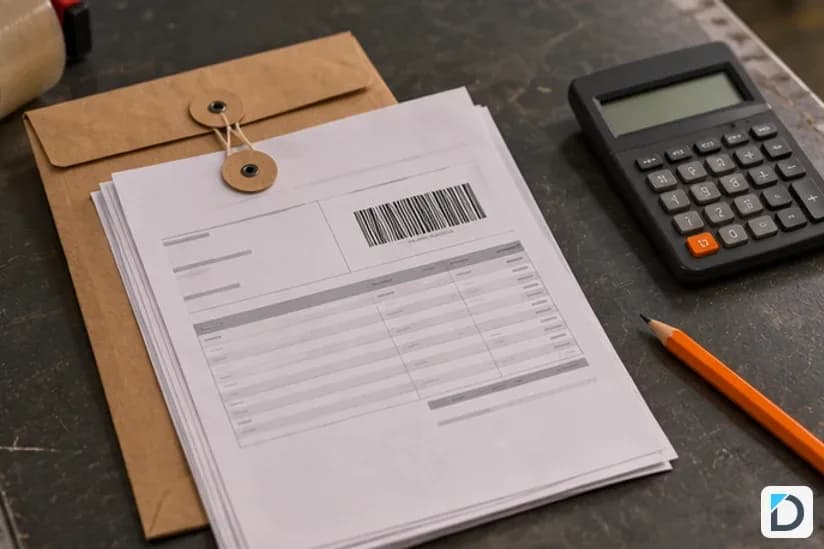
In this example, a distributor receives purchase order BA-1042 twice. The first PDF calls for 24 filters. The second uses the same number and asks for 36. The sales desk needs to decide whether the buyer sent a revision. Automation can handle the rekeying while leaving that decision with the right person.
Read the PDF and match it to the ERP
Extract the purchase order number, the customer account, the requested date and the item reference, unit, quantity and price on each line. Match customer references to ERP item records. Customers may order in cases while the warehouse counts individual units. Validate the conversion and attach the original PDF to the record. AI document extraction can reduce manual entry before validation.
Create the sales order after checks pass
Microsoft documents API operations for creating the sales order header and its lines. Keep a record of the incoming PDF and the order number returned. If the header is saved and a line fails, resume from that same header and check the lines already recorded. Internal approval status and processing permissions depend on your environment. If the server might have created the order before a response was lost, look it up by its stable reference before retrying. Reserve a stable reference for each order and line in the import log to handle concurrent arrivals. A related guide covers part costing in Business Central.
TableChecks for BA-1042 and other test orders · shareable block
| Proposed action | What to retain | |
|---|---|---|
| Same customer, reference and content | File the PDF as a duplicate | Link to the existing sales order |
| Same reference, changed quantity | Ask for confirmation of the revision | Both PDFs and the decision |
| Unknown item reference | Hold the line for review | Raw customer code and chosen ERP item |
| Price differs from the quote | Ask an authorized person to review | Original price and approved price |
Pilot with the orders that take longest
Use a sample of real orders, anonymized where needed, with revisions, negotiated prices and attachments that are hard to read. Compare results for two weeks. Record processing time, corrections by field and duplicate orders created. Before letting the workflow handle more volume, have the order desk review the cases it held back. As part of CRM and ERP automation, decide who can retry an import and where the team can see its status.
Frequently asked questions
Is the PDF a purchase order in Business Central?+
It is your customer’s purchase order. On the seller’s side, the workflow prepares a sales order.
Does the API read PDFs?+
The documented API creates sales orders and lines. PDF extraction is a separate step.
How do we stop duplicate orders?+
Match the customer account and its order reference, then compare content to tell a duplicate from a revision.
Can we trial this without creating live orders?+
Yes. Run extraction and validation on sample documents, or create orders in a test environment.
Review your order workflow
Bring a straightforward order, a revision and a price exception. We can use those three documents to scope a pilot.
D
Written by
Daillac